Once a semester ends, courses for that semester are removed from the Dashboard. To access previous courses, log into Canvas and go to Courses > All Courses > Past Enrollments.
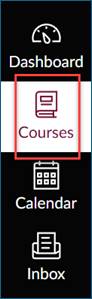
Click Courses
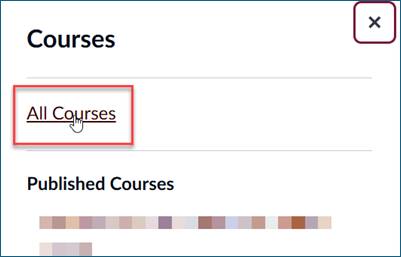
Click All Courses
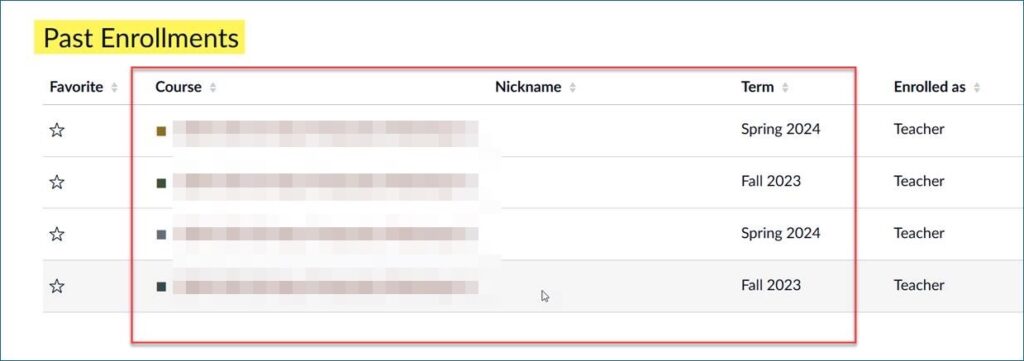
⏬ Scroll down to Past Enrollments

Once a semester ends, courses for that semester are removed from the Dashboard. To access previous courses, log into Canvas and go to Courses > All Courses > Past Enrollments.