
Already have a video? Upload it to your library and share: https://csudh.hosted.panopto.com
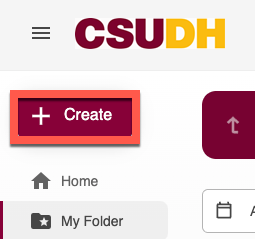
Log-in to Panopto and click Create
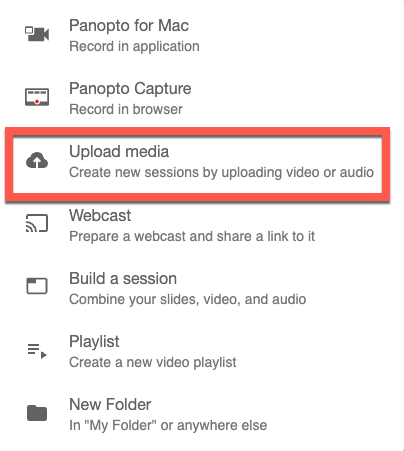
Select Upload media
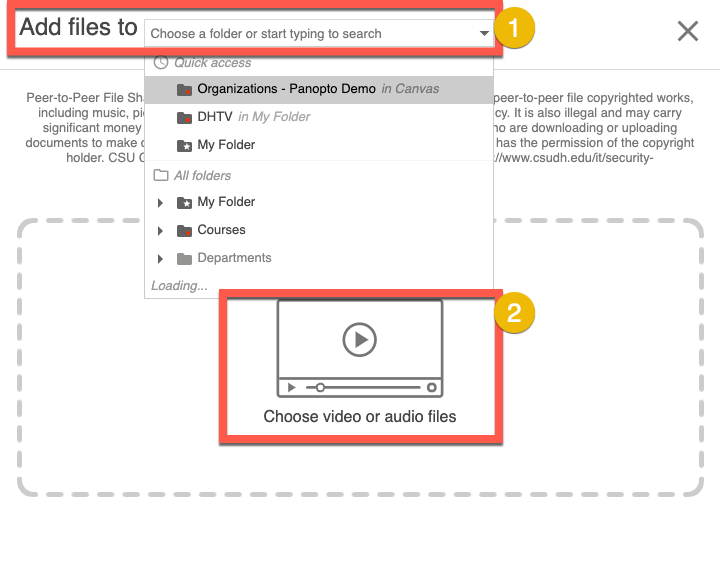
Select folder location and upload file(s)
- Choose or search a folder location next to Add files to
- To upload, click Choose video or audio files or drag and drop files.
Need more details? See this page.