
If you have never signed into Zoom, please do so: https://csudh.zoom.us
Instructors can launch Zoom from within their Canvas course. Scheduled meetings from here will only be accessible to students in your course.
Video Tutorial
How-to Setup Zoom Meetings in Canvas
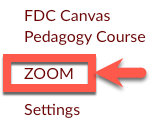
1. In your Canvas course, go to the course menu on the left and click Zoom.
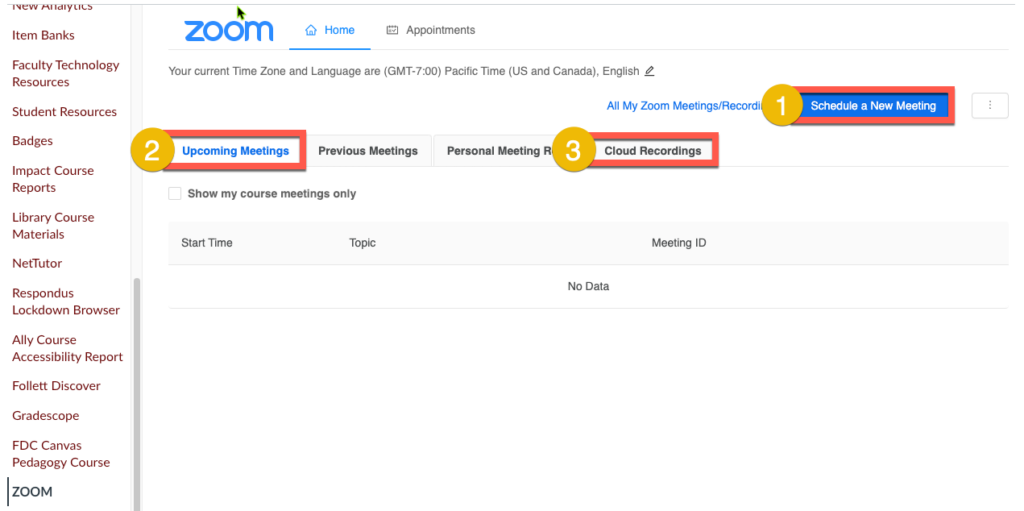
2. A version of your Zoom portal will launch, allowing you to schedule a new meeting (1), view upcoming meetings (2), and access cloud recordings (3).
Want to import an existing meeting into your course? See this page.